Fishing & Remedial Operations Training Simulator
Train jarring, milling, cleanout, tool recovery and changing pressure and mechanical response before the operation becomes expensive. Available on every Endeavor deployment.
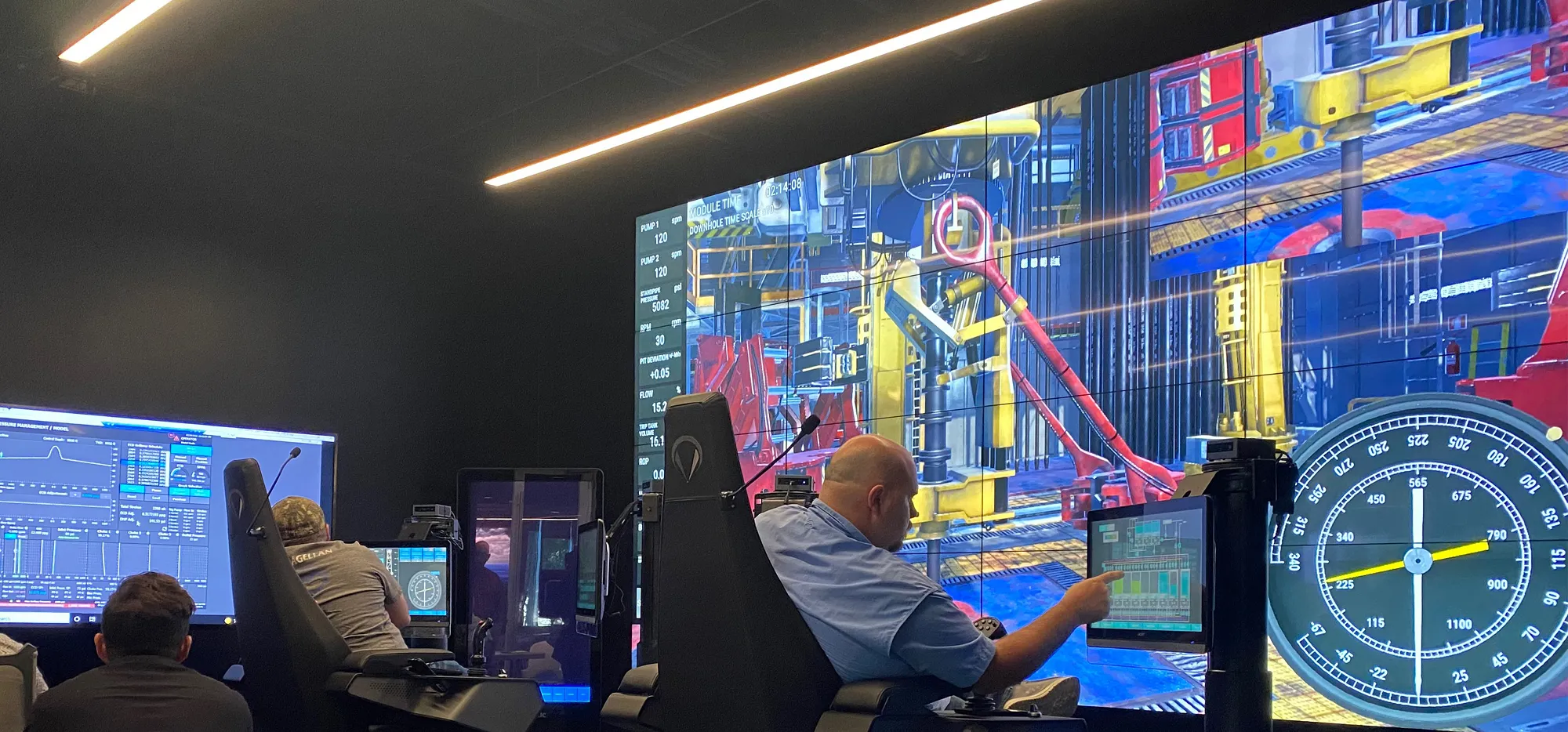
Practice the recovery sequence.
Fishing and remedial work depends on what the well, string, and tool are doing now. The simulator carries that state through every attempt.
Fishing and jar operations
Practice fish characterization, tool selection, engagement, jar sequencing, load windows, and retrieval.
Milling and cleanout
Track milling torque, motor differential pressure, circulation response, debris removal, and equipment limits.
Contingency branching
Compare alternative tools, operating parameters, freeing strategies, and escalation paths from the same well state.
Explore fishing and milling simulators.
Explore focused recovery scenarios for tool selection, jar timing, milling limits, and load control.
Test the recovery plan before committing downhole.
Configure fish geometry, tool string, operational limits, well conditions, and contingency paths around your recovery program.
Any simulator. Any deployment.
Choose an individual Endeavor simulator or the complete training suite for your preferred deployment. Move between hardware and access options with consistent scenarios, equipment response and well behavior.
X1 / X2 / X3
Run the same training scenarios on full-scale, classroom, or portable X-Series simulator hardware.
Workstation / Laptop
Run individual scenarios or the complete suite locally for training, planning, validation, and analysis.
Endeavor.One / Online
Give connected teams access to the same simulator training suite and scenarios.