Start Small. Scale Later.
Begin online or on a workstation, then add hardware without rebuilding content.
SIMULATOR DEPLOYMENT
Compare online, workstation, portable, cyber-chair, full-scale, and classroom drilling simulators. Match the controls, space, and access model to your training program.
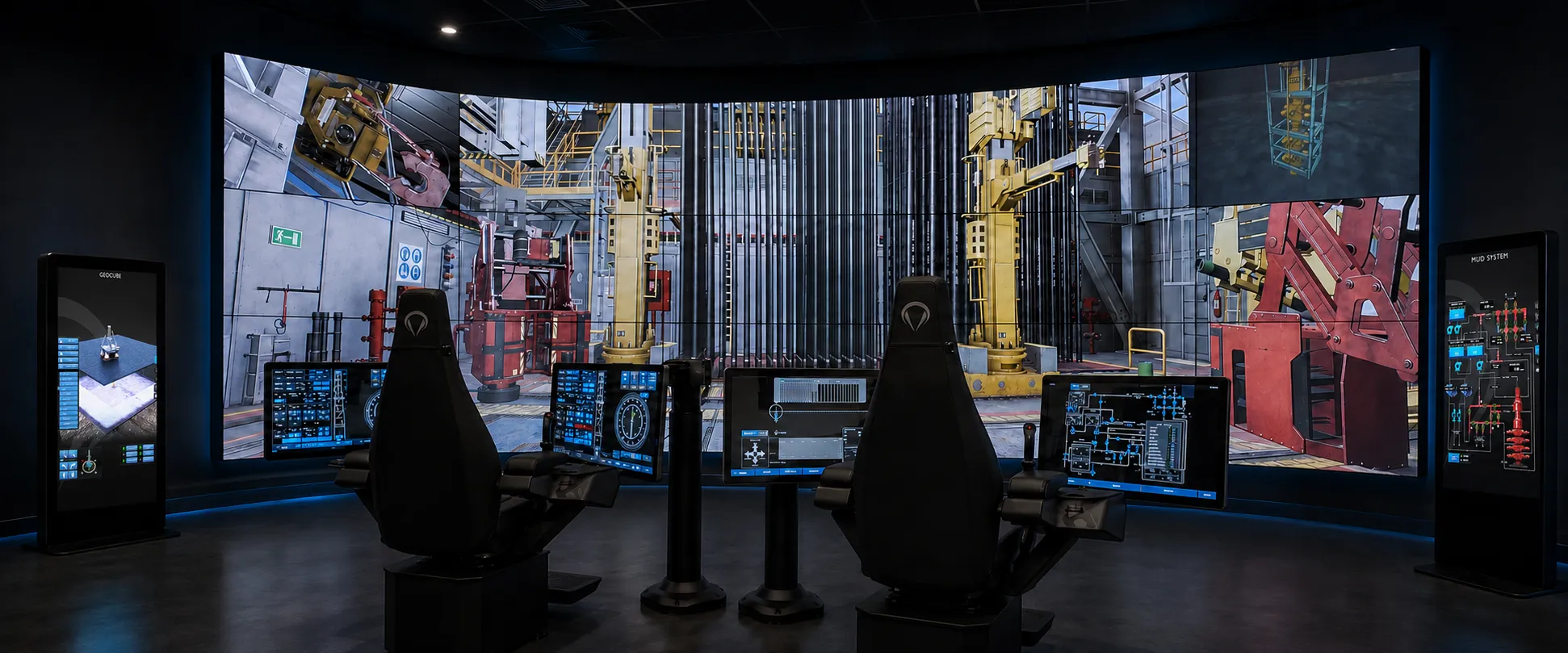
ONE SOFTWARE FOUNDATION
Every simulator discipline runs across X1, X2, X3, laptop/workstation, online and classroom. Choose the controls and access model that suit your training program.
Begin online or on a workstation, then add hardware without rebuilding content.
The same operational workflows carry across every deployment.
Reconfigure rooms or connect custom panels without maintaining separate simulator systems.
DEPLOYMENT OPTIONS
From individual access to full-scale team rehearsal, choose how your team uses the same simulator software.
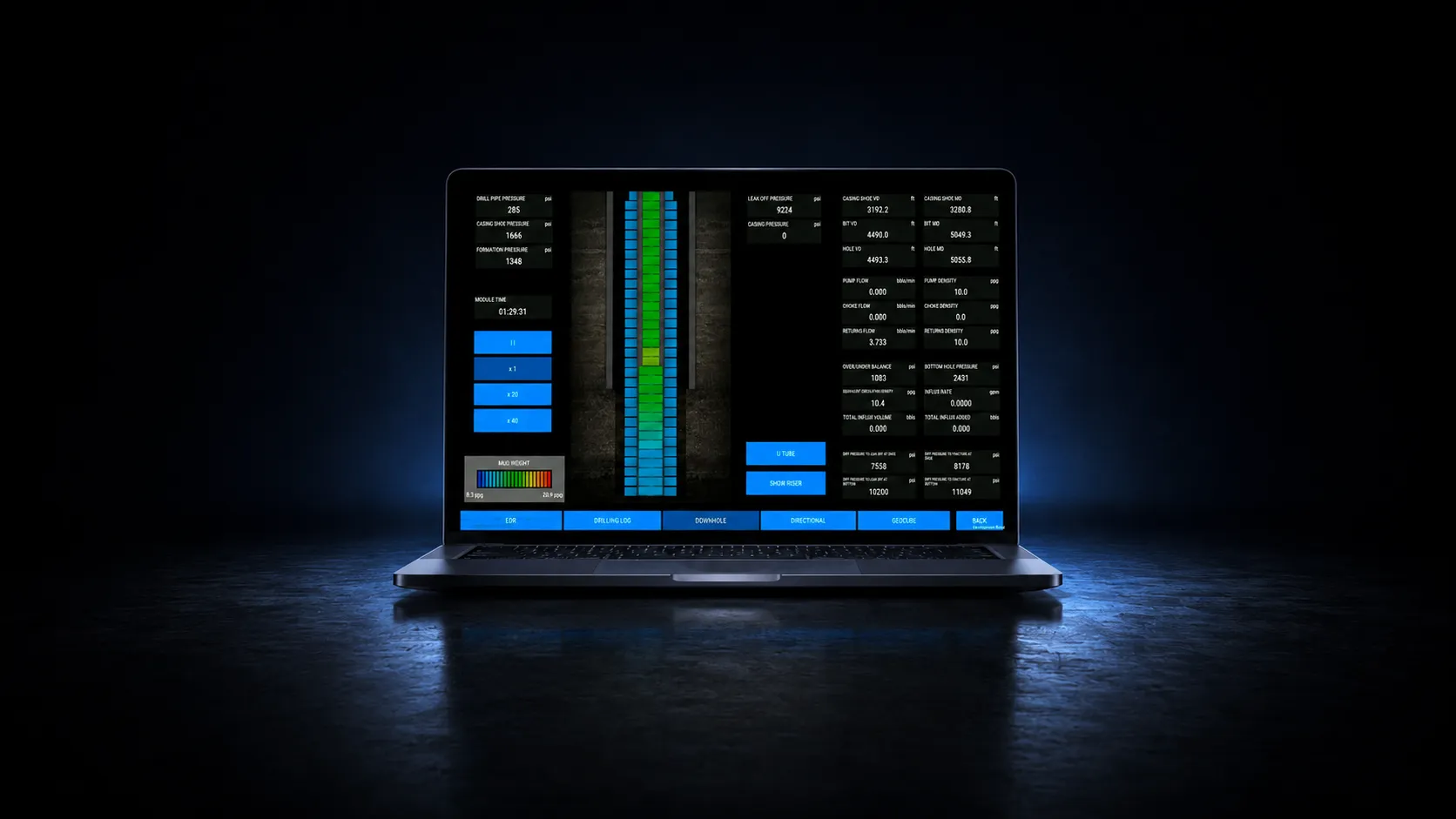
ONLINE
Access the full simulator remotely with no dedicated hardware.
LAPTOP / WORKSTATION
Run the full simulator for individual training, planning, or rehearsal.
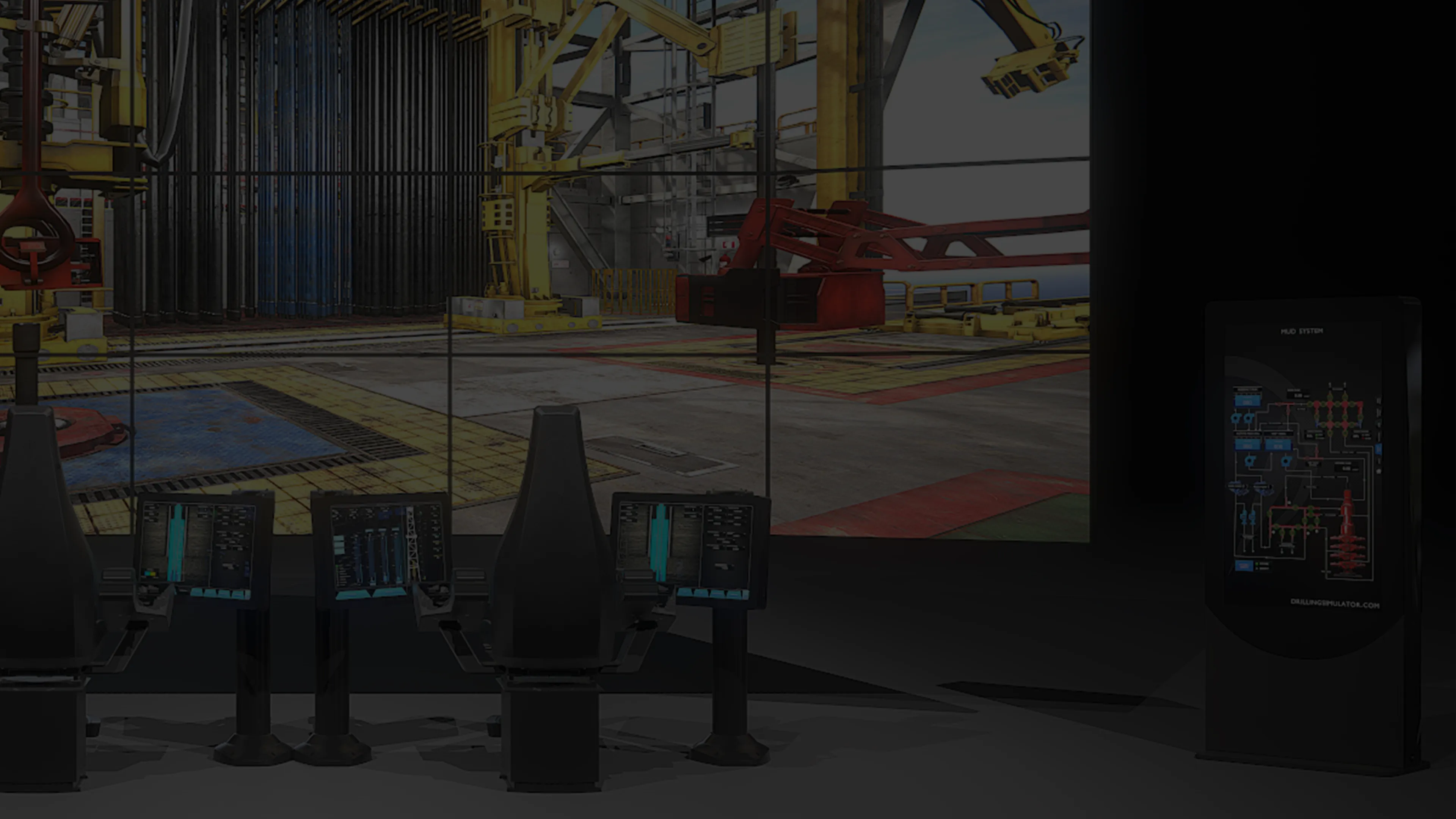
X1 FULL SCALE
Multi-station crew training with authentic controls and room-scale immersion.

X2 CYBER CHAIR
Compact immersive controls for authentic single-operator or instructor-led training.
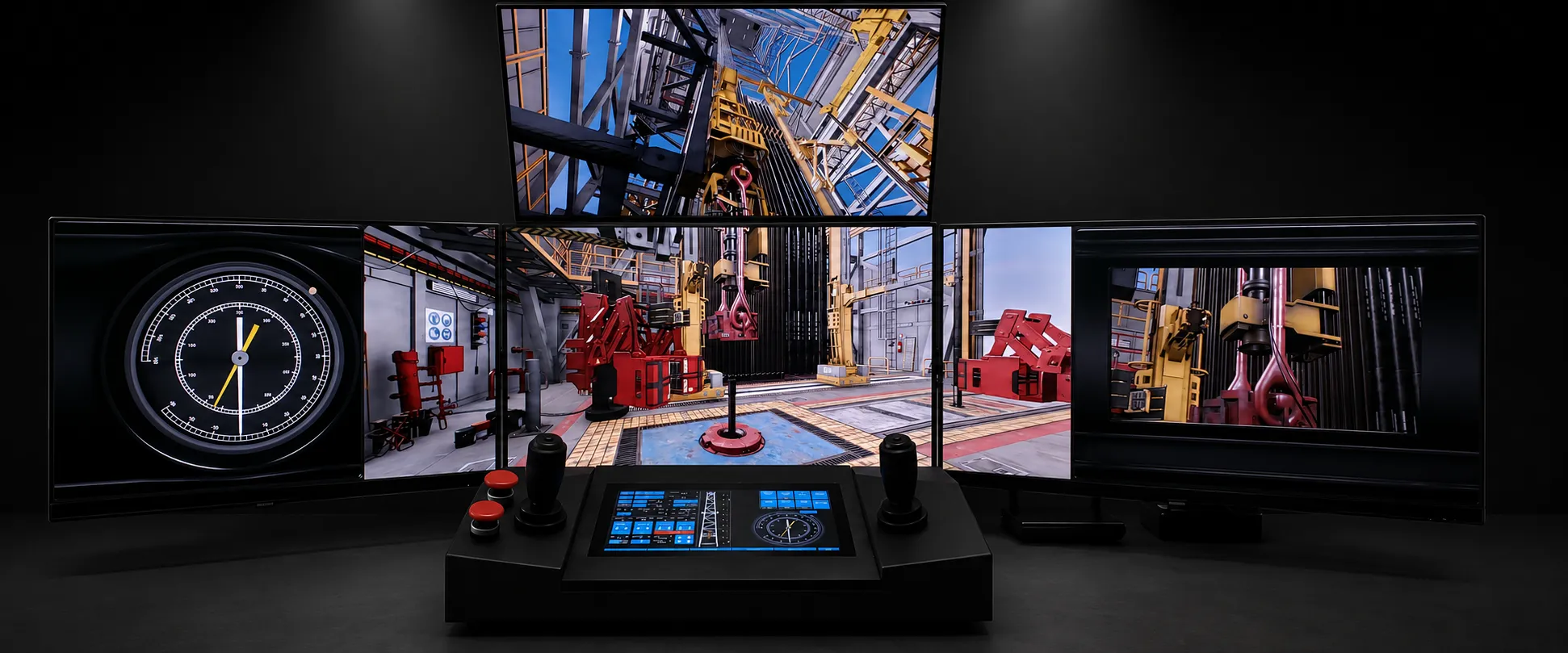
X3 MOBILE
Grab-and-go multi-station hardware that moves from case to operation in minutes.
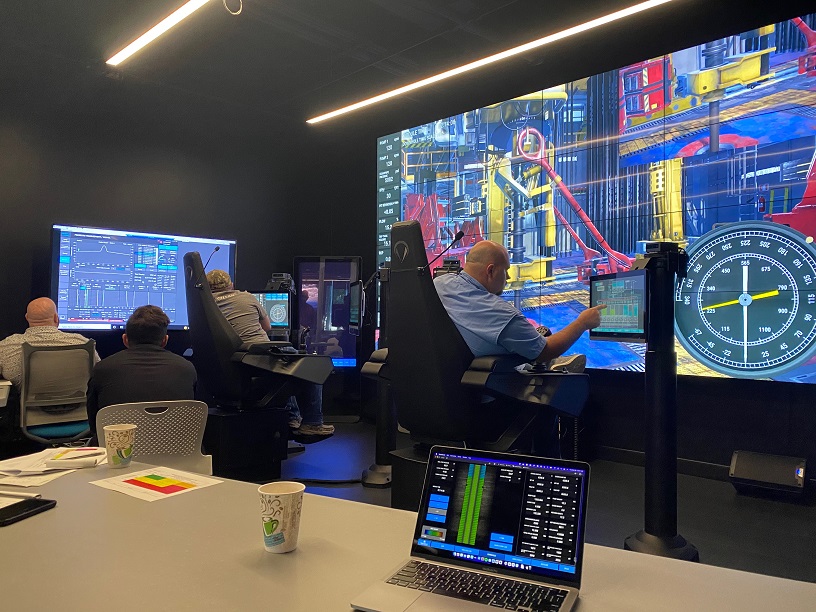
CLASSROOM
Multi-user instructor-led training for academies, universities, and operators.
DEPLOYMENT ASSURANCE
Capacity, fleet economics, accreditation, and delivery are treated as one deployment system, not disconnected hardware decisions.
Use connected controls and displays to rehearse decisions together in the same simulated operation.
Every participant connects through a role-appropriate interface to synchronized state.
Preserve physical assets while replacing legacy software and extending fleet life.
Bespoke controls behave like standard configurations, never separate systems to maintain.
Deployments support recognized methodologies and assessment requirements worldwide.
Installation, commissioning, and support options cover training and operational environments.
DEPLOYMENT WITHOUT LOCK-IN
Begin with an online pilot or workstation evaluation, add immersive hardware when the workflow requires it, and move between tiers without rebuilding your simulator content.
Endeavor’s drilling and well intervention simulators run on any supported hardware, from laptop to full physical simulator, without requiring separate systems, duplicated equipment, or role-specific configurations.
Hardware is available where physical interfaces are required.
Simulator capability does not depend on it.
Hardware-specific training systems often require different configurations for drilling, well intervention, and specialized operations.
Endeavor separates simulator software from physical interfaces.
As a result:
Hardware choice does not change simulator capability. Teams can scale and reconfigure their training environment without rebuilding or duplicating simulator infrastructure.
Endeavor simulators are also deployed within dedicated experience centers, supporting multi-user instruction, assessment, and collaborative workflows using the same simulator software.
Every Endeavor deployment, whether laptop, X-series, retrofit, or custom build, uses the same simulator software. Compare capacity, fleet economics, training alignment, and delivery across the available configurations.
RUNTIME ARCHITECTURE // COMPUTE EFFICIENCY
Full-scale simulator exercises run on a single CPU across X1 and larger configurations.
COLLABORATIVE TRAINING // MULTI-USER
Instructors, students, engineers, and supervisors connect through role-appropriate interfaces to the same synchronized simulator session.
FLEET MODERNIZATION // RETROFITS
Legacy software is replaced while physical assets are preserved, extending fleet life and avoiding full replacement cycles.
CUSTOM ENGINEERING // INTERFACES
Bespoke panels, controls, and layouts behave like standard configurations, never separate systems to maintain.
ACCREDITATION // IADC & IWCF
Deployments align with IADC and IWCF frameworks, supporting recognized methodologies and assessment requirements worldwide.
LOGISTICS // DELIVERY
Standard configurations ship within two months, with installation, commissioning, and support options for operational and training environments.
Start where your operation is today, whether a laptop evaluation, an online pilot, or a full-scale simulator, and move between tiers without rework. The runtime, the scenarios, and the results stay identical at every step.
Tell us what you need to simulate and how you plan to deploy it. We’ll recommend the right configuration and next step.