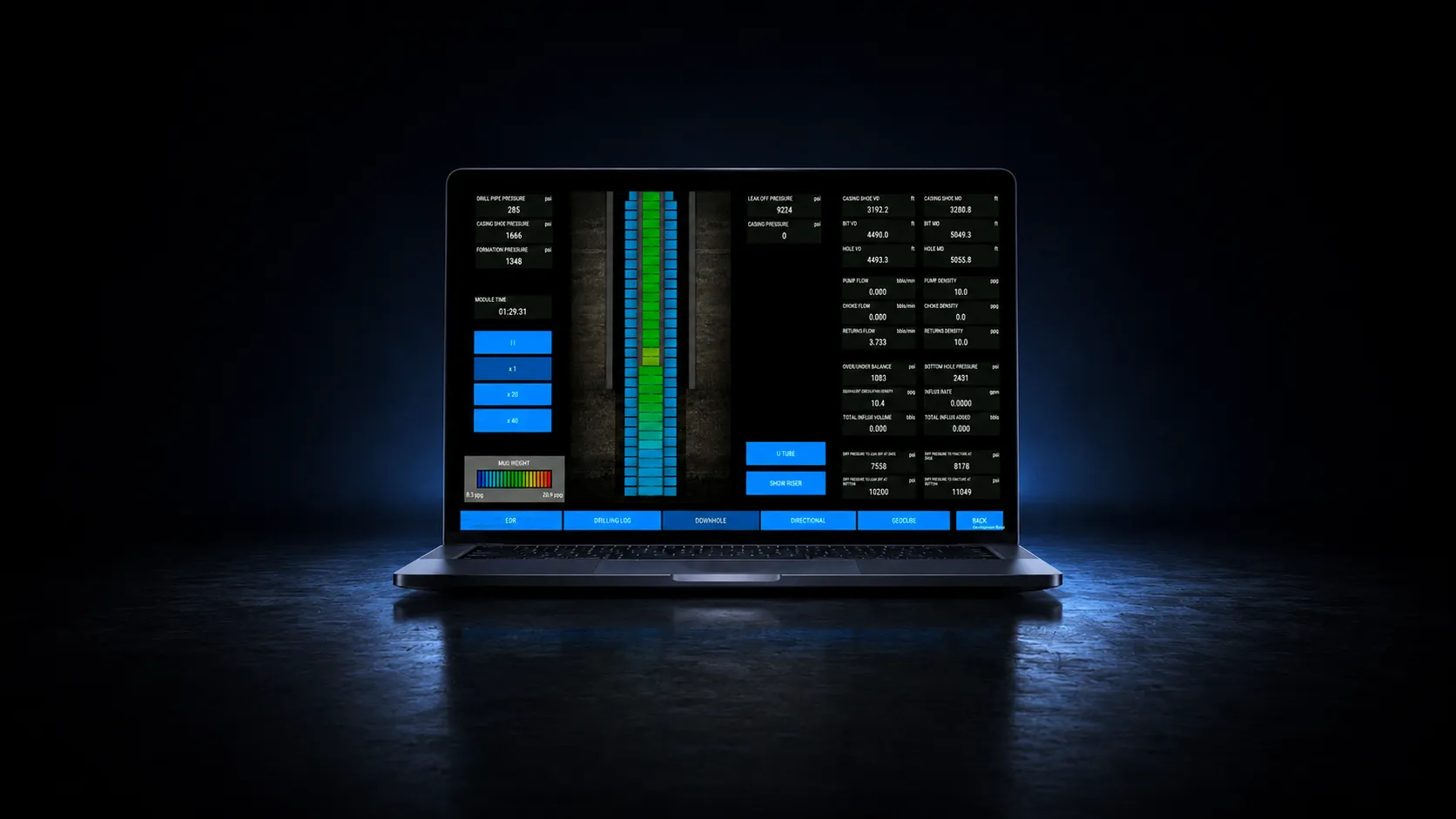
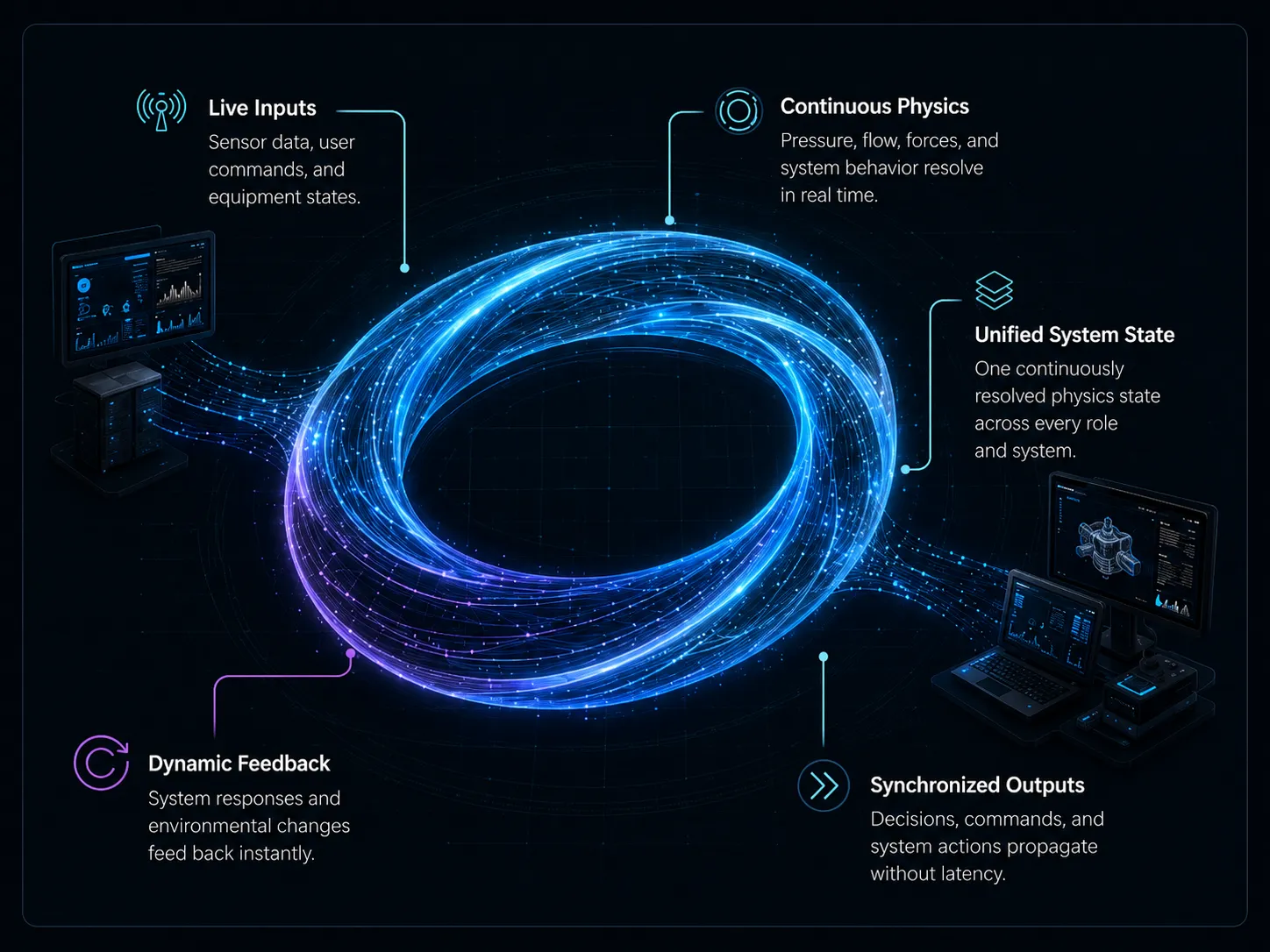
Bring drilling, well control, and MPD simulators to supported connected devices. Give distributed crews access to practical exercises without shipping dedicated hardware to every location.
ZERO COMPROMISE
Make practice easier to access.
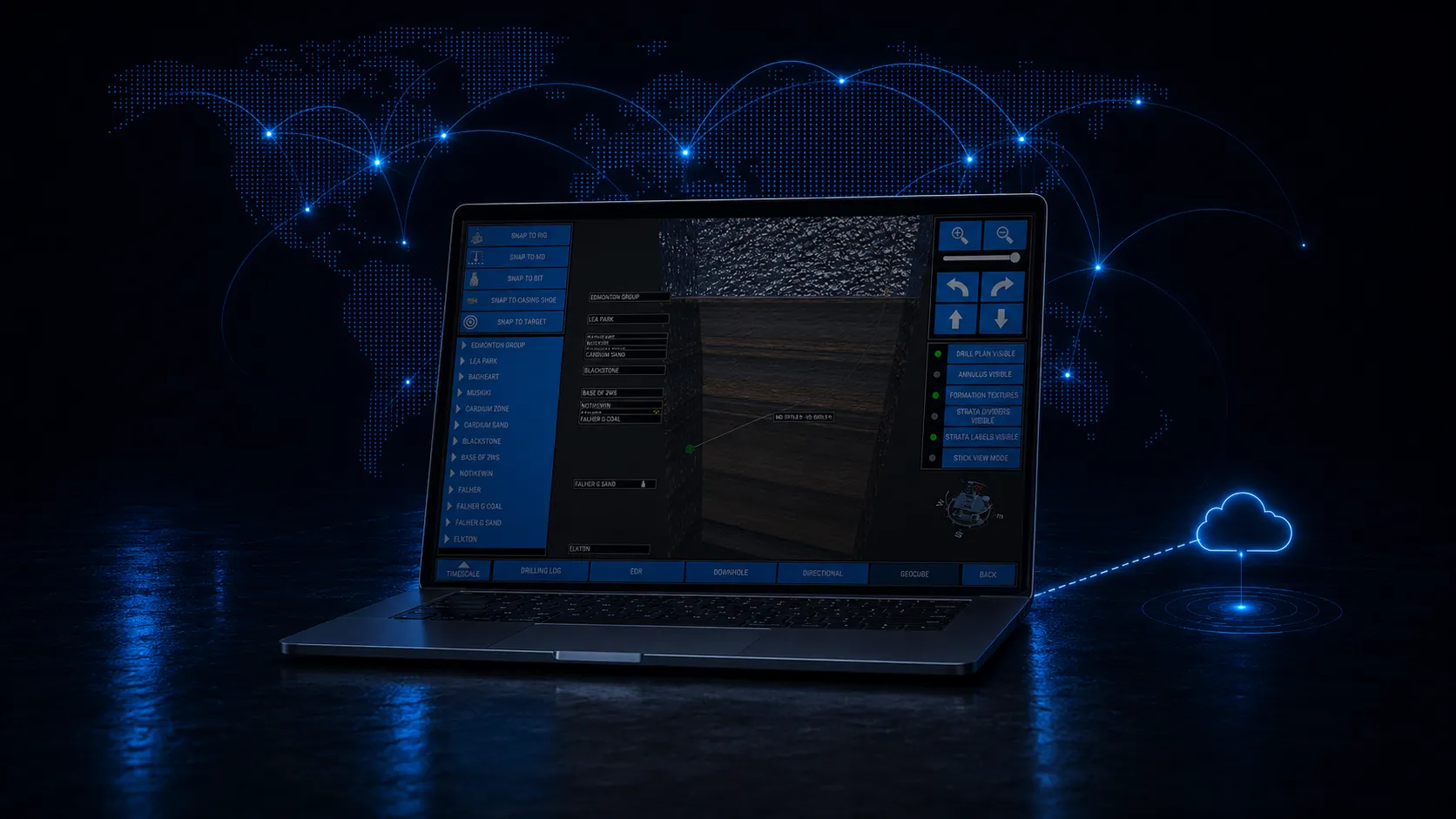
Access the full simulator suite online.
Use online access for individual practice, classroom preparation, and distributed crew development. Qualified Windows workstations also support local installations; the right delivery format depends on your program and connectivity.
Deploy training to distributed crews without shipping simulator hardware.
Continuous Learning
Crews refresh critical skills on their own devices between hitches, helping sustain competency between formal training cycles.
Full Suite
Drilling, well control, and MPD. Streamed or installed locally.
ONE PLATFORM
Connect distributed training teams.
Plan access around participants, locations, and available connectivity. Confirm supported devices and delivery requirements with Endeavor, then match online sessions and local installations to the way your team trains.
Edge Performance
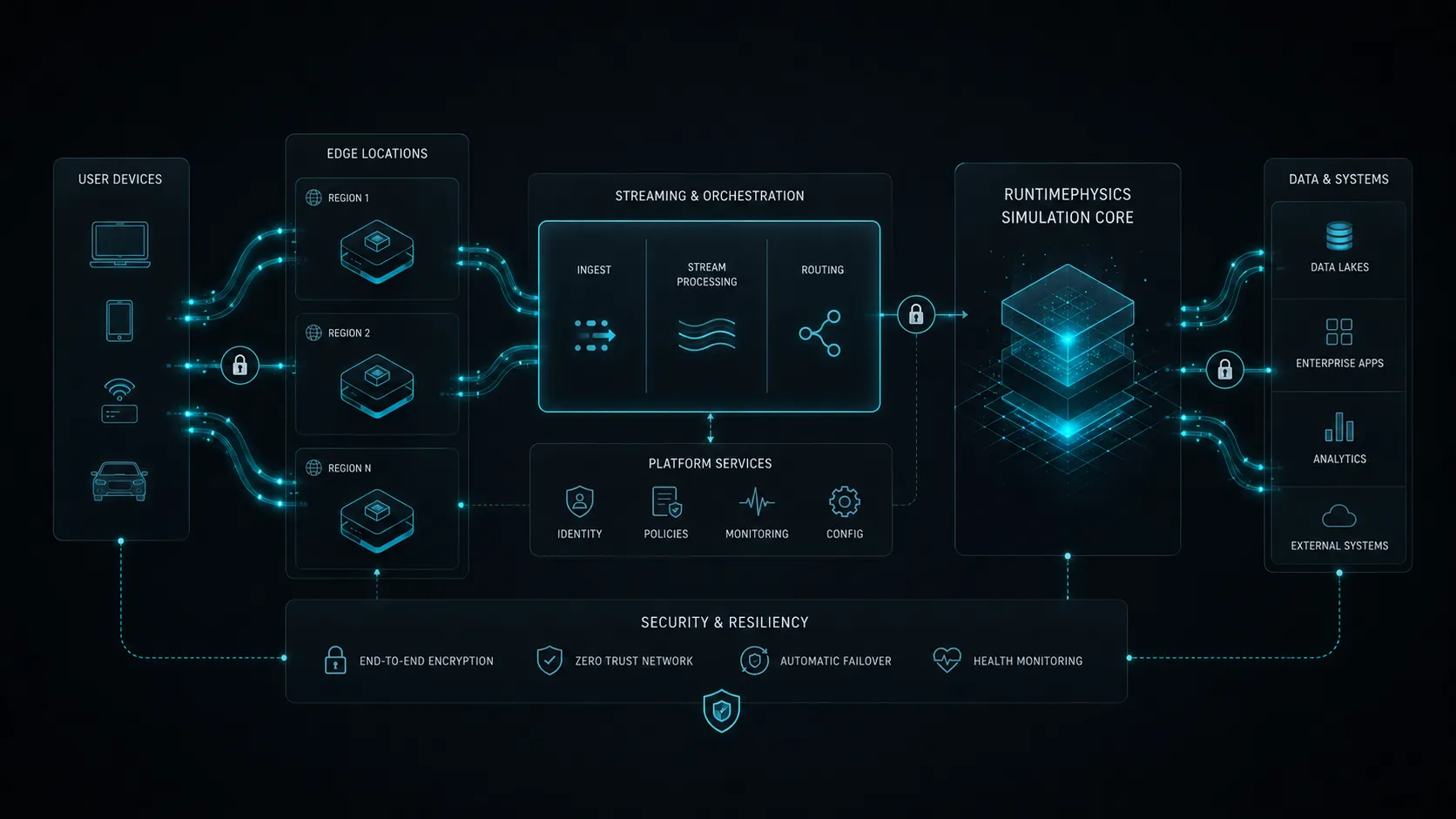
Distributed edge delivery reduces network distance for remote operations.
Resiliency
Multi-region deployment supports continuity and failover.
Data Sovereignty
Compliance-ready architecture that respects local data privacy and security standards.
Global Coverage
Designed for secure access across distributed operations.
Windows 10/11 (64-bit) / Intel Core i5+ / 16GB Recommended
Network
Broadband Internet Connection (Cloud Access)
Warranty: 1 year standard. Maintenance contracts available (1 or 3 year commitments).
Online drilling simulator software: access and setup
Endeavor.One provides streamed access to drilling simulator software for distributed training. Choose the simulator modules and delivery setup around your learners, instructors and exercise objectives.
What do learners need?
Plan for a supported connected device, a stable internet connection and the controls needed for your selected exercises. Before deployment, confirm device compatibility, network performance and any peripheral requirements with Endeavor using your intended training location.
How is access arranged?
Contact Endeavor to define the required drilling, well control or MPD modules, participant numbers, instructor access and session schedule. Licensing and account setup are arranged for the agreed configuration.
Online access or a desktop simulator?
Online delivery suits learners joining from different locations. A dedicated desktop workstation provides a local training station for individual practice and instructor preparation. The choice depends on connectivity, controls and the way your program runs.
Watch the free 42-minute Day 1 tutorial to explore the HMI, pumps, charts, BOP and choke controls, and results export. The video is available to watch without simulator access; interactive practice requires your training setup.