Completion Tools Training Simulator
Train crews to run, set, test and recover whipstocks, liner hangers, packers, tubing and multilateral completion tools. Rehearse the operating sequence, observe tool and well response, and practice the next decision when the procedure changes.
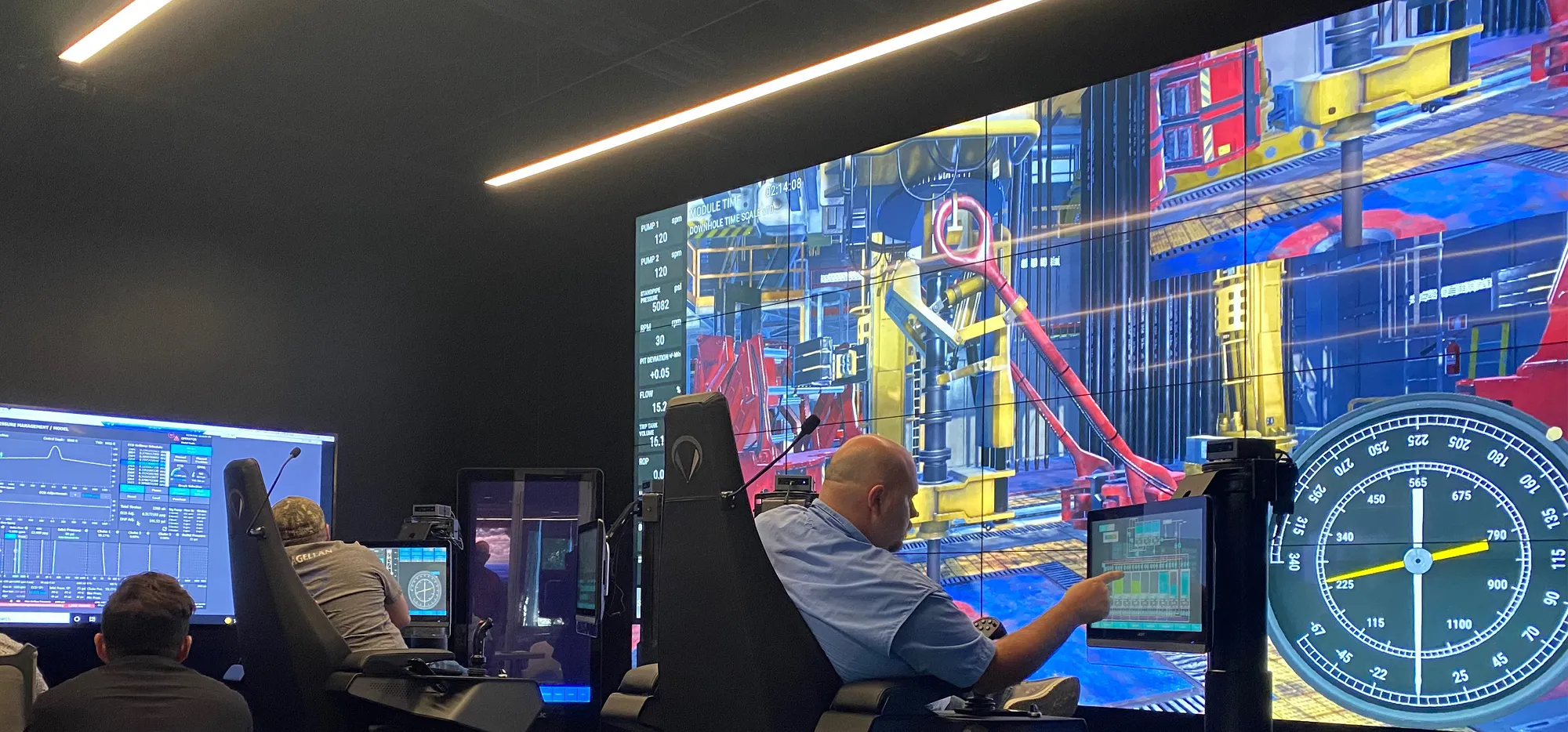
Practice every step of tool deployment.
Build practice around the tools and procedures your team uses. Follow string movement, pressure response and tool status from run-in-hole through setting, testing and verification.
Whipstock and window operations
Practice orientation, setting, window cutting, milling response, torque propagation, and premature-setting contingencies.
Liner hanger systems
Run, set, cement, test, and verify liner systems with pressure, torque, turns, and multi-step tool-state logic.
Multilateral completions
Practice branch selection and zone isolation in parent bores and laterals. Observe how junction configuration and the selected branch change hydraulic response during the completion sequence.
Operate. Deviate. Recover.
Start with the planned procedure, introduce a failure or deviation, and rehearse the recovery decision using the current tool and well conditions.
Configure
Select tool, well, branch, and operating parameters.
Execute
Run the complete sequence against live mechanical and hydraulic state.
Branch
Trigger failure modes and compare recovery decisions without restarting.
Prepare crews to deploy, verify, and recover.
Configure a completion-tool simulator around your equipment, procedures, failure scenarios, and deployment environment.
Any simulator. Any deployment.
Choose the training setup for your team: individual practice on a workstation, portable controls for instruction near the operation, or an immersive X-Series environment for crew rehearsal.
X1 / X2 / X3
Run the same training scenarios on full-scale, classroom, or portable X-Series simulator hardware.
Workstation / Laptop
Practice individual scenarios or a sequence of completion tasks locally before bringing the crew together.
Endeavor.One / Online
Give connected teams access to the same simulator training suite and scenarios.